One Tech Tip: Hidden iPhone keyboard shortcuts to raise your texting and typing game
Advertisement
Read this article for free:
or
Already have an account? Log in here »
To continue reading, please subscribe:

Digital Subscription
One year of digital access for only $205*
- Enjoy unlimited reading on winnipegfreepress.com
- Read the E-Edition, our digital replica newspaper
- Access News Break, our award-winning app
- Play interactive puzzles
*First annual payment billed as $205.00 + GST for one year. This annual subscription will automatically renew at $233.00 + GST every 52 weeks (10% off the regular annual price of $259.35). Offer available to new and qualified returning subscribers only. Cancel any time.
To continue reading, please subscribe:
Add Free Press access to your Brandon Sun subscription for only an additional
$1 for the first 4 weeks*
- Enjoy unlimited reading on winnipegfreepress.com
- Read the E-Edition, our digital replica newspaper
- Access News Break, our award-winning app
- Play interactive puzzles
*Your next Brandon Sun subscription payment will increase by $1.00 and you will be charged $17.95 plus GST for four weeks. After four weeks, your payment will increase to $24.95 plus GST every four weeks.
Read unlimited articles for free today:
or
Already have an account? Log in here »
Texting friends, replying to a business email, tapping out some text for a social media post. We do a lot of writing on our smartphones, which are increasingly essential for our work and personal lives.
But did you know about the many keyboard tips and tricks that can help raise your smartphone skills? If you own an Apple iPhone, there are a host of little-known shortcuts that could maximize your typing.
These features, usually buried in lengthy instructions, are easy to overlook though they often come to wider attention through videos by social media influencers.
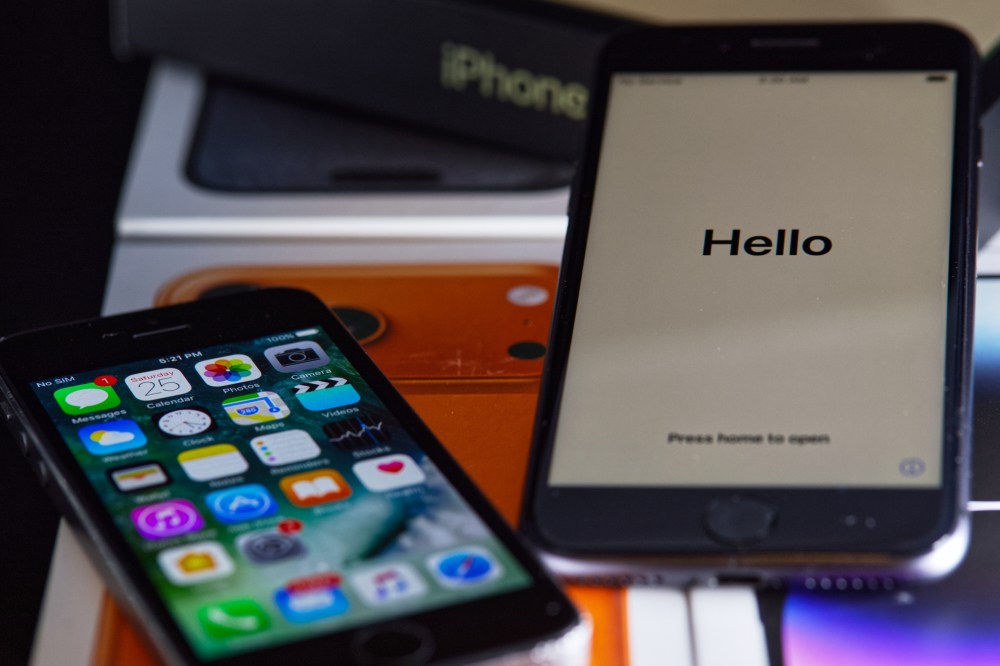
Here are few texting and typing tips for iPhones. Some features may vary depending on the version of iOS.
Slide instead of type
Typing is not the only way to enter text into an iPhone. Apple’s Quickpath feature lets you write by sliding your finger around the screen’s digital keyboard, instead of tapping and lifting your fingers on the electronic letters.
If it’s not already activated, turn it on by going into Settings, General, and Keyboard, and toggle on Slide to Type.
To use it, touch the first letter of the word and then, while still touching the screen, slide your finger to the following letters. For example, to type the word “yellow,” tap on the letter Y, then slide your finger to E, and so on. Don’t hold your finger down too long on the first letter and lift it from the screen when finished.
Pressing delete right away will erase the entire word you’ve typed this way, instead of just a letter.
Turn the keyboard into a trackpad
You wrote a sentence and realized you forgot a word and want to add it in? Or perhaps you wrote a long paragraph and want to make edits before hitting send?
To move the cursor to the part of the text you want to modify, hold your thumb down on the space bar until the letters disappear, or hold it down inside the text bubble. Now you can now move the cursor around the text by sliding your finger around the screen like it’s a trackpad.
Copying and pasting
If you want to select text that you’ve typed on your iPhone for copying and pasting, there are a few options.
You probably know you can tap twice on a word to highlight it, or three times to highlight a whole paragraph.
For more precision, use the trackpad method. While holding your thumb down on the space bar, tap anywhere on the keyboard. Now you can select text by moving your finger.

This feature allows you to both select and deselect text in the Notes app or when writing emails. But when writing in chat apps like iMessage or WhatsApp or typing in some app text windows, it only allows you to select text but not deselect it if you’ve highlighted more than you wanted. So use a slightly different method: hold a finger down on the shift key and hold down the space bar.
To copy and paste the highlighted text, you could use the pop-up options that appear onscreen. Or you can use gestures. Use three fingers to pinch closed the highlighted selection to copy. To paste somewhere else, do the opposite gesture by pinching or spreading three fingers open. This can also be used with photos.
However, these shortcuts didn’t always work smoothly for me when I tried them out on some short snippets of messaging text on my iPhone. They might work better on a device with a bigger screen, like an iPad.
___
Is there a tech topic that you think needs explaining? Write to us at onetechtip@ap.org with your suggestions for future editions of One Tech Tip.